

I have played at read on since the most recent update, and the new sign-in screen appears cleaner but nonetheless confuses Canadian players who are used to the old layout. The account path remains unchanged in any way that should worry you, yet the security prompts stand out more and the verification checks are stricter. I aim to show you exactly what to do so you can access your account without wasted attempts, if you are returning after a break or opening a new account from Canada. I will cover the necessary preparation, registration, identity checks, the real login flow, password recovery, and the security settings I activate immediately. I will also provide the solutions that have worked for me when the page hangs or the account is blocked. By the end, you ought to be aware of what each field demands and how to ensure your account protected every time you log in.
Creating Your Good Man Casino Account for users in Canada
Detailed Registration Form
Upon registering post-update, the sign-up button appeared in the top-right corner and launched a multi-step form. I entered my full legal name, date of birth, email address, and a strong password with uppercase letters, numbers, and symbols. The system now imposes a longer minimum, so an old short password is invalid. I then entered my street, city, province, and postal code, and I double-checked that the country field said Canada and the province matched my address. I used a password I had never used on another site, because reusing credentials constitutes the easiest way to hand someone access. The form also requested my preferred language and contact settings; I opted into account emails and left promotional messages off. I submitted the form, opened the confirmation email immediately, and followed the verification link. Unverified accounts often cannot deposit or browse the full game library, so I never omit that step.
Selecting Your Currency and Preferences
The currency choice is the step Canadian players should carefully consider. I chose Canadian dollars as my account currency because opting for US dollars or euros introduces a conversion fee to every deposit and withdrawal and leads to my balance vary with exchange rates. I also reviewed the bonus code field and left it blank except if I had a current code from an official source; guessing an expired code can remove the welcome offer. For communication, I opted into account and security emails but turned off promotions so important messages aren’t lost. I adjusted my preferred language to English and set my time zone so session alerts make sense. After registration, I checked my profile and verified the saved details, because a wrong province or postal code can delay verification later. I also bookmarked the casino’s official web address as a bookmark instead of depending on search results, which lowers the chance of landing on a copycat page.
Fixing Common Login Problems for Canadian Players
When the sign-in button does nothing, I clear the browser cache and cookies for the casino domain, shut the browser, and reopen it; that triggers a fresh login page and usually fixes the problem. If the page works in incognito but not normal mode, I turn off ad blockers or privacy extensions one by one. After five or six failed attempts, the account freezes for fifteen minutes to an hour, so I cease guessing, wait, and use Forgot Password instead. A stuck Caps Lock key causes more lockouts than people admit. If I can log in but see a restricted account, I inspect the verification banner and upload only what compliance requests. The takeaway is simple: ready your documents, choose CAD, enable two-factor authentication, and hold your browser clean. Those steps transform the updated login from a hurdle into a routine I can complete in under a minute.
Steps to Login Following the Platform Update
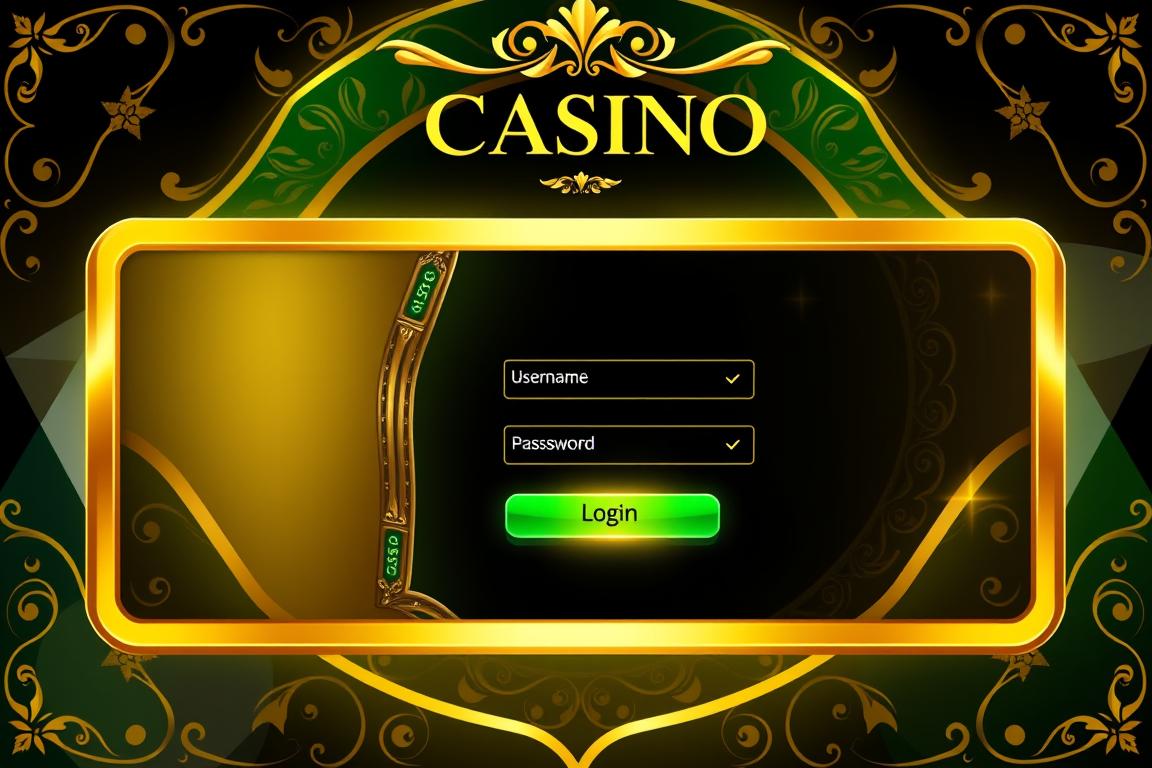
The updated login page seems cleaner, but the fields follow the same order. I go to the official Good Man Casino site, tap Sign In in the streamlined header, and input the exact email linked to my account plus my password. The page now shows a border colour change when a field is completed correctly, so a red border alerts me I created a typo before I confirm. Because I turned on two-factor authentication, the next screen prompts for a six-digit code from my authenticator app; I type it within the thirty-second window. If I log in from a new device, the casino may send a one-time verification link, and I tap it quickly because it becomes invalid fast. I employ the Remember Me checkbox only on my personal laptop, never on a shared computer. I also check the shield icon before typing; if it is gray or absent, I close the tab and check the URL.
Validating Your Identity: The KYC Process Outlined
Good Man Casino demands a Know Your Customer verification before I can cash out, and the document list is standard. I gather a colour scan of a current government photo ID, such as a Canadian driver’s licence, provincial photo card, or passport. I also submit a proof of address dated within three months that lists my goal.com full name and residential address; a utility bill, bank statement, or cell phone bill works. If the compliance team demands payment ownership proof, I photograph my card with the middle eight digits hidden but the first six and last four visible, or I capture my Interac e-Transfer profile showing my name and linked account. I send JPEG or PDF files with every corner clear, because blurry or cropped images are the main factor for rejection. I complete verification as soon as I sign up rather than delaying for a withdrawal, and approval usually needs a few hours to two business days.
Beginning Prerequisites Ahead of You Sign In
Before I load the login page, I check three things that save me time. First, I confirm I am at least nineteen, because Good Man Casino enforces the higher Canadian threshold even where a province allows eighteen. Secondly, I make sure I am physically in a province where the service is available and I am not using a VPN or proxy, since the platform’s location check will block a masked connection. Third, I use a current browser such as Chrome, Firefox, or Safari with cookies and JavaScript enabled; the updated login page requires both to load the two-factor prompt. I also keep the exact email address I registered with nearby, because the post-update system matches the full string and a typo redirects me without a clear error. For a new account, I prepare a phone number and government photo ID ready for the identity check. cut to the chase Five minutes of preparation eliminates a stalled registration or a failed login.
Securing Your Account: 2FA and Recommended Steps
I manage my casino account like my online banking. After logging in, I navigate to the security settings under My Account and enable two-factor authentication with an authenticator app as opposed to SMS, because SIM-swap attacks can intercept texts. I scan the QR code, type the test code, and from then on every unrecognized device needs a time-based code. I examine active sessions and sign out anything I do not recognize, and I utilize Log Out Everywhere if I think I left the account open on another machine. I never reveal my password, and I disregard messages that assert to be support asking for it; legitimate staff never require it. I enter the casino address directly rather than clicking email links, and I check new-location alerts carefully. If I spot a login from a province I have never visited, I reset my password and notify support immediately. These habits need seconds and eliminate most risk.
Restoring a Forgotten Password or Username
Changing Your Password via Email
I have renewed my password twice since the update, and the email method works if I still control the registered inbox. On the login page I select Forgot Password, input my email address, and look for the message; if it does not arrive in two minutes, I check spam and promotions. The email contains a one-time link to a secure page where I establish a new password of at least twelve characters that I have never used before. I send it, return to the login page, and sign in with the new credentials. The old password ceases to function immediately, which is the idea. If I request several reset emails, only the newest link remains valid, so I ignore earlier ones. When I no longer had access to my email, I reached out to live chat, confirmed my identity with my full name, date of birth, address, and a recent transaction ID, and support changed the email after manual review.